Your custom GPT is being discontinued: OpenAI announces shutdown on 11 December 2026
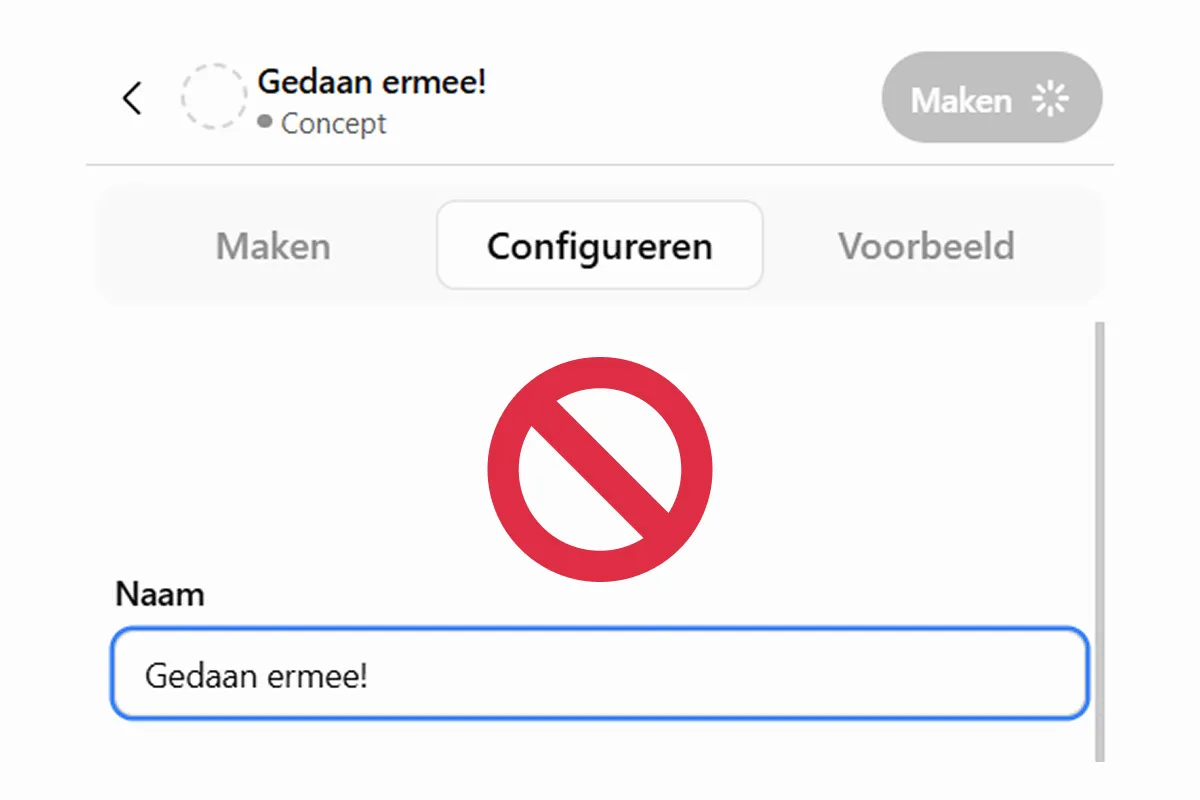
Have you invested time and effort in building your own custom GPT? Then your trusted assistant is about to reach its expiry date. OpenAI has announced that custom GPTs will be discontinued on 11 December 2026 and replaced by plugins. The ability to create new custom GPTs will already end on 25 September. There is no need to panic: organisations are being given time and guidance to make the transition. But if you ignore the change now, you may soon find that a workflow you rely on no longer works.
Why is OpenAI discontinuing custom GPTs?
A custom GPT lets you define instructions and supplement them with files or a connection to an external tool. Plugins go a step further: they combine reusable instructions with connected apps, allowing your guidance to work directly with the tools and information required for a task. The aim is not to reduce what AI assistants can do, but to enable users to build more powerful, integrated workflows.
Still sounds a little abstract? Take a practical example. Suppose you use a custom GPT to write blog articles in your company’s tone of voice, based on instructions about style, structure and a few example articles uploaded as reference material. If you also want that GPT to consider which keywords offer the strongest search potential for a topic, you currently need to research that information yourself and provide it in the conversation.
With a plugin, that writing approach can become a skill connected to an app such as an SEO tool or Google Search Console. The assistant can then retrieve relevant keywords and search-volume data itself and incorporate those insights directly into the article. Research and writing can become part of the same workflow.
When exactly will custom GPTs be discontinued?
For Enterprise workspaces, OpenAI has already outlined a transition plan, with two dates standing out. From 25 September 2026, users will no longer be able to create new custom GPTs. Existing GPTs will continue to work at that point. On 11 December 2026, the shutdown takes effect: custom GPTs will stop working and disappear from the directory.
Two key phases sit within that transition:
-
Phase 1: Preparation (11–25 September 2026)
Organisations received an initial notification on 11 September so they could start preparing. The migration option was targeted for availability by 17 September, although this is a target date rather than a guarantee that every workspace will see it immediately. From 25 September onwards, no new custom GPTs can be created, while existing GPTs will remain available. - Phase 2: Shutdown (11 December 2026)
On 11 December, existing custom GPTs will stop working and will be removed from the directory.
From custom GPT to plugin: what remains and what disappears?
During migration, the instructions from your GPT become a skill within a new plugin, while connected apps are transferred as well.
Custom actions, integrations that were built specifically for your GPT, are not migrated automatically. They need to be rebuilt using a supported connector or a custom MCP server. Conversation starters, previous chat history and the model selected for the GPT are not transferred either. In an Enterprise environment, the migrated plugin uses the organisation’s default model.
One important detail: once a GPT has been migrated, the original remains usable until 11 December, but becomes read-only. You can no longer modify it; any further changes must be made in the plugin.
Migrating a custom GPT: how to prepare
You do not need to wait for the migration option to appear before getting started. At Comma, we cannot see it yet either.
- Map out which custom GPTs your team actually uses, who created them and who needs access.
- Document the instructions, reference material and a few trusted prompts. This will make it much easier to test whether the migrated plugin still produces the results you expect.
- Allow extra time for GPTs that use custom actions, as these integrations will not be transferred automatically.
💡If you still want to create a new GPT or make changes to an existing one, do so before 25 September.
Once the plugin is available, test it thoroughly before sharing it more widely across your team. Compare familiar prompts as well as a more demanding use case. Check whether the correct skill is selected, whether the right sources are used and whether the output still meets your requirements.
Also remember that a migrated plugin is private by default. People who used the old GPT do not automatically receive access to its replacement. Sharing and installation only happen once you explicitly configure them.
Your workflow does not have to disappear
OpenAI is giving organisations time to prepare, test and adjust before the final shutdown on 11 December 2026. If you map your GPTs now and document the workflows around them, the transition becomes much easier to manage.
Wondering what this shift means for the AI tools used across your organisation? We are happy to help you explore how to keep your AI workflows future-proof.